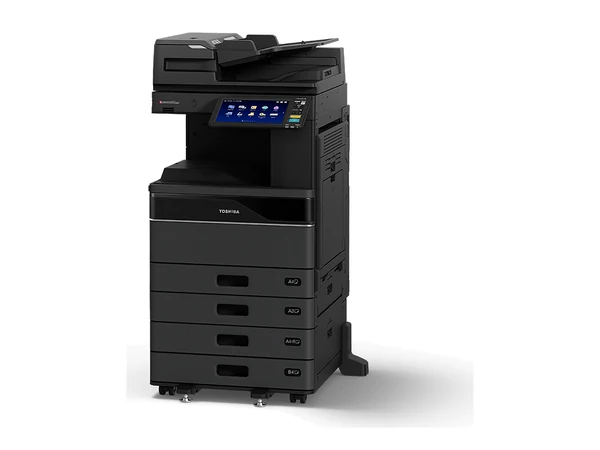
Brand new · Renewed
ToshibaToshiba e STUDIO 3525AC
- Pages a minute
- 35
- Prints in
- Colour
- Size
- A3
The renewed grade: near new in looks and running
Price in writing
Which copier fits your office, and how should you pay for it? Here is the whole range: new and secondhand, every major brand, every grade, every way to pay. You get an honest answer on which one is right.
Rent or lease from $15 a week plus GST.
A sample, pictured in the makers' photographs. The list turns over weekly. Ask about any machine for what is in now, its page count and the figures.
The renewed grade: near new in looks and running
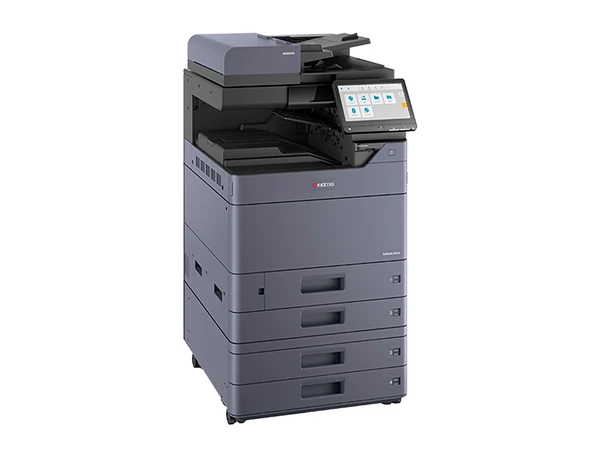
Compact A3 colour; ask about stapling
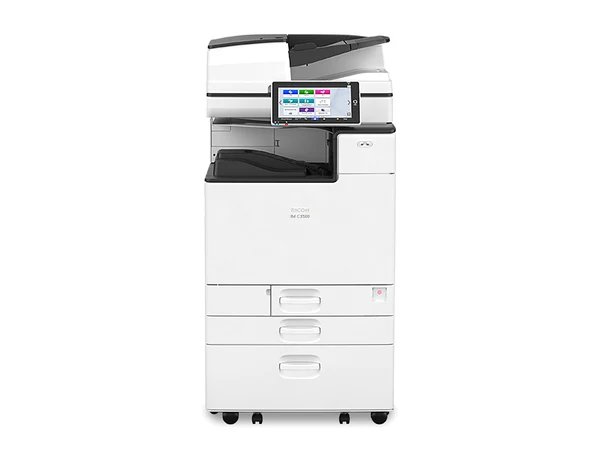
Large tablet style touch panel, mid speed
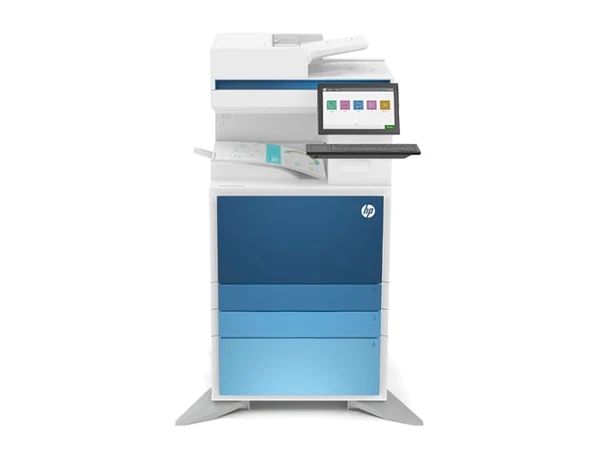
A current HP managed A3 colour model
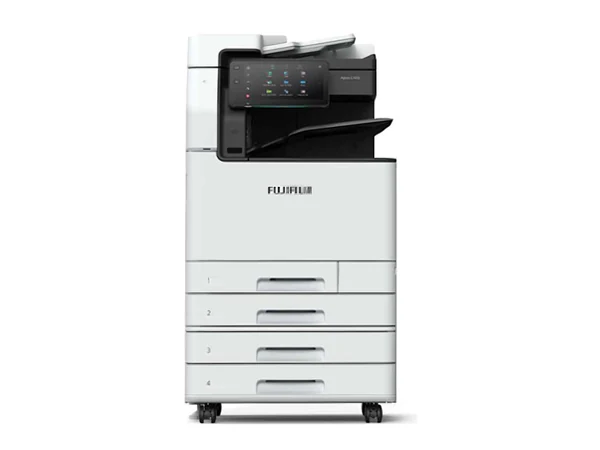
Steady 30 page A3 colour for a shared office
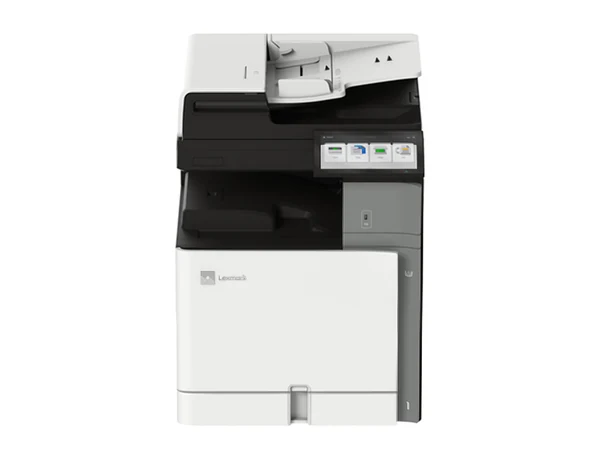
Lexmark's current A3 colour multifunction
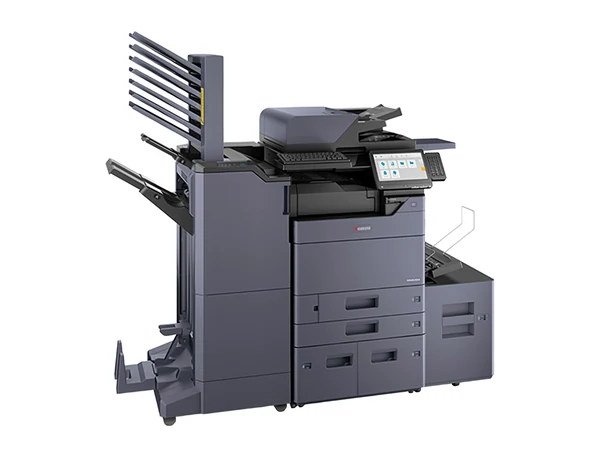
A fuller parts refresh than refurbished
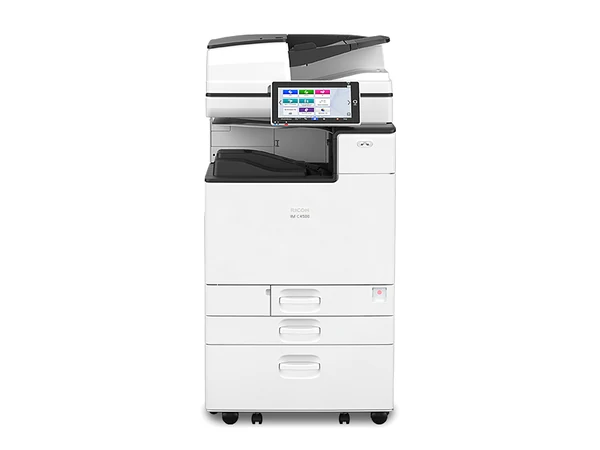
45 pages a minute for heavy shared use
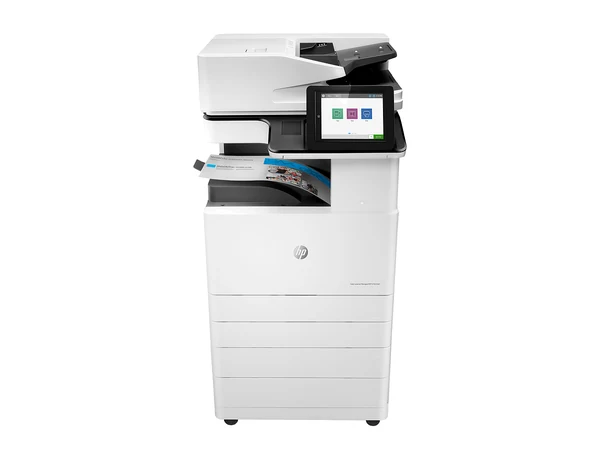
Often chosen for a refurbished rental
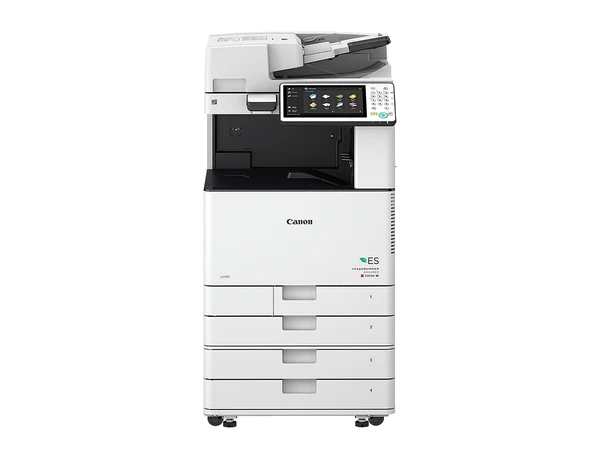
The Canon layout many teams already know
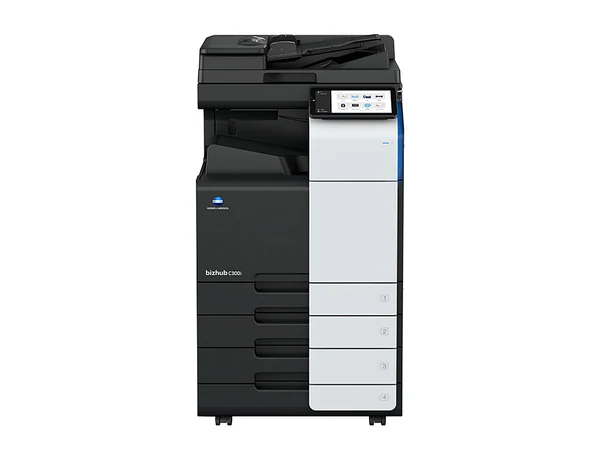
Used grade: checked, working, lowest outlay
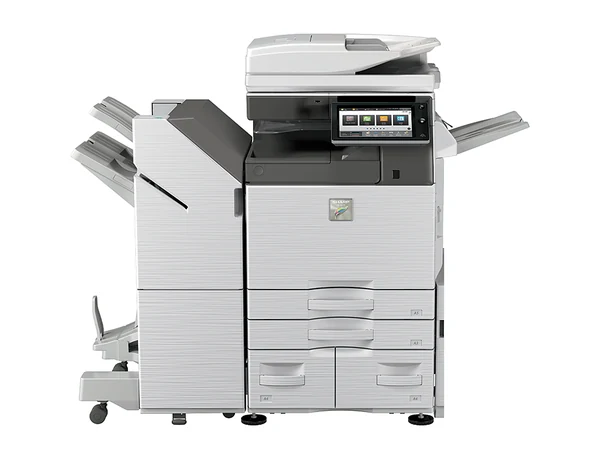
Used A3 colour, tested before it goes out
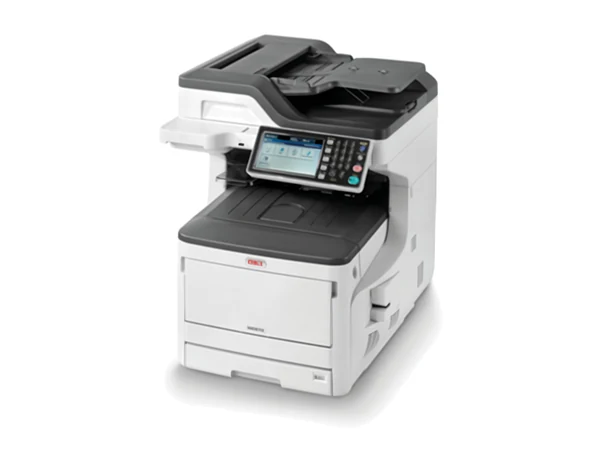
Desktop sized A3 colour with copy and scan
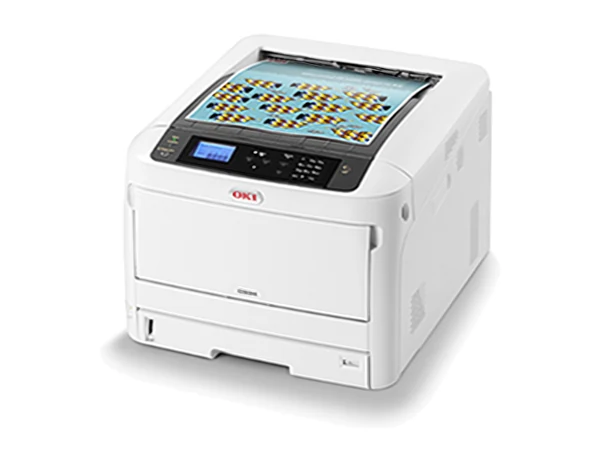
Print only A3 colour, with no scanner or copier
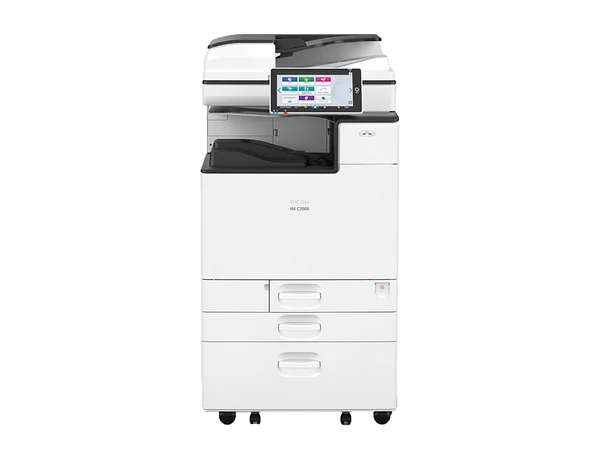
Entry speed in the Ricoh IM C family
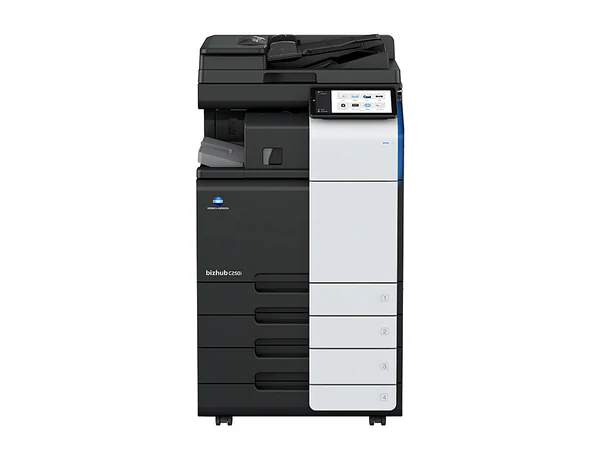
Used, with the i Series tablet type screen
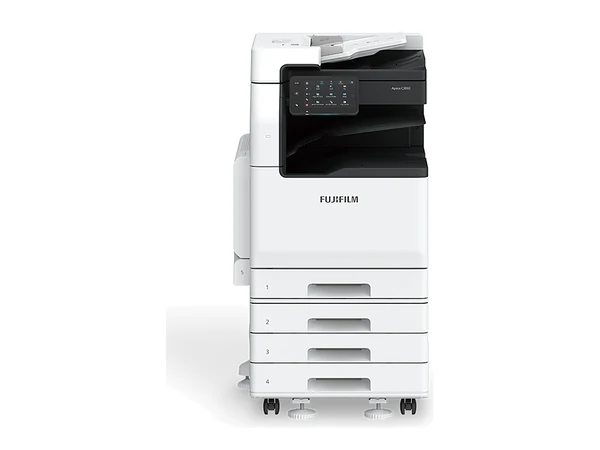
A lighter duty ApeosPort for quieter offices
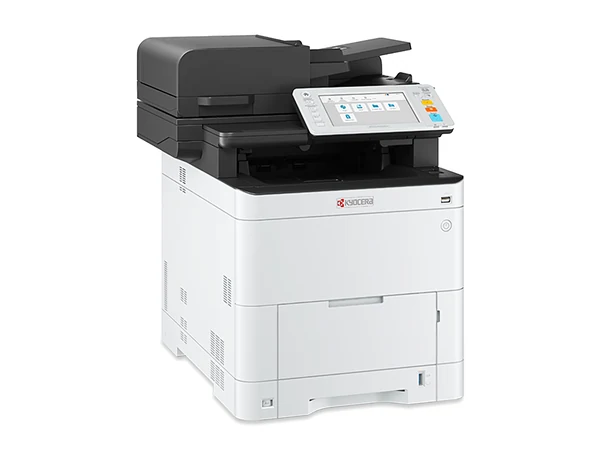
A4 only: suits a desk in a small office
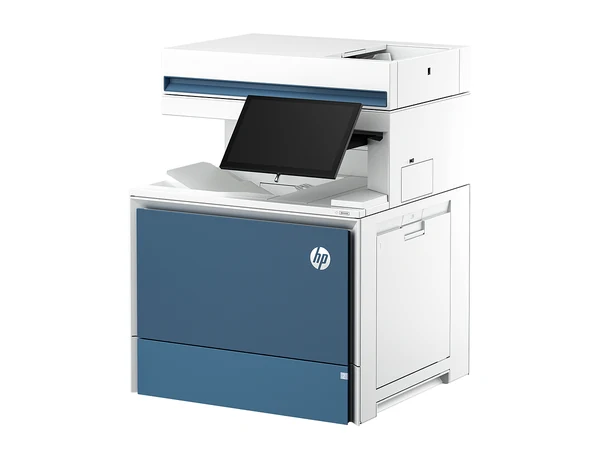
Quick A4 colour for busy small offices
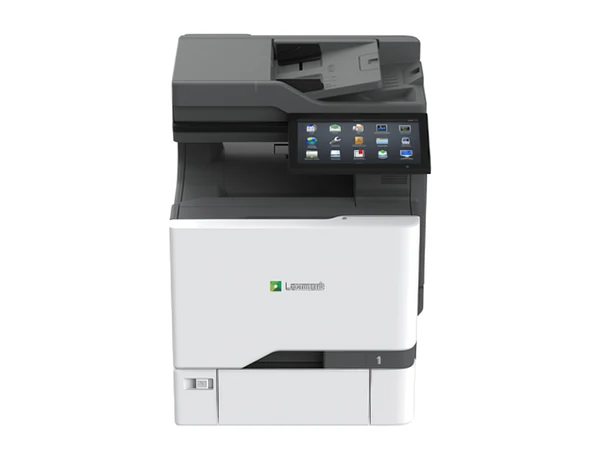
A4 colour sized for heavier monthly volumes
Copier Store supplies office photocopiers to businesses all over greater Melbourne. At one end of the range sit brand new models from Kyocera, Toshiba, HP, Lexmark and OKI; at the other, renewed, refurbished and used machines from all the major makers. The usual pick is an A3 colour copier. For a team of up to roughly ten people that never needs A3, one of our A4 office printers may be enough: it copies, prints and scans, and printer rental starts from $10 a week plus GST.
Next, pick how you pay. Buy a photocopier outright. Choose a copier rental from $15 a week plus GST. Set up a photocopier lease. Or pay per page through managed print services. Whether the machine is bound for a Southbank tower, a practice in Box Hill or a warehouse in Laverton North, delivery, network installation and a walk through for your staff are included, and we service it for as long as it stays with you.
Headcount, paper size, colour, grade and how you want to pay. With those five answers the finder suggests a machine, and we can send two or three actual ones with figures.
Rather talk? Ring (03) 7056 9994.
Machines like these are often on our list:
Rental is from $15 a week plus GST. Leave your details for two or three actual machines, each with its own figures.
Which grade? That depends on how hard the machine will work. You get a straight answer, even when it is the one that costs less.
Current models, supplied new with the maker's warranty. Kyocera, Toshiba, HP, Lexmark, OKI.
Brand new copiersA step above refurbished. Extra parts swapped out, so it looks and works nearly new, for a higher outlay.
Renewed copiersThe most popular grade: cleaned, serviced, worn parts replaced, then tested.
Refurbished copiersChecked and in working order, with less work done. The smallest outlay.
Used copiersPut any machine on our service agreement and the replacement warranty comes with it. New or secondhand, and whether you rent, lease, finance or buy outright, the rule is the same: should the machine fail, you get a replacement. The cover runs to the final day of the agreement, not the end of year one.
On a new copier the maker's own warranty is usually 12 months, on the hardware only; consumables sit outside it. Beyond that year, your cover is the service agreement. Your agreement sets out the full terms of the replacement warranty.
Most people know the monthly payment. Fewer know the full figure: that payment, every page printed, and the extra charges that appear only on the bill. Enter your numbers to see the cost per month, per year and to the end of the agreement.
Payment plus page rates is only the start. These sit in the fine print. Add them to the boxes above:
Send your agreement or latest bill and you will hear, in plain words, which of these apply to you and what each one costs.
Rental is from $15 a week plus GST. Finance subject to approval. The lowest weekly figure applies to selected machines.
| Way to pay | Payments | Service and warranty | End of term | Suits |
|---|---|---|---|---|
| Copier rentalMost chosen | One regular payment, weekly or monthly | Built in, with the replacement warranty for the whole term | Move to a newer machine or return it. Want to keep it? Ask us | Most businesses: nothing up front, a steady cost, a simple upgrade |
| Buy outright | A single payment | Add a service agreement and the replacement warranty runs for its term | You own it | Cash buyers who keep a machine for years |
| Copier lease | Monthly payments | Add our service agreement for the replacement warranty over the term | Set by the lease: hand back, upgrade or pay a residual | Businesses whose accountant favours a lease |
| Copier finance | Monthly repayments | Add our service agreement for the replacement warranty over the term | You own it once the last repayment is made | Owning the machine without the cash outlay |
| Managed print services | A monthly bill priced per page; machines can also be rented | Toner, parts and repairs inside the page price | Runs for the agreed term | Several machines, and one bill for all of them |
This is general information, not financial advice. For the tax side, talk to your accountant.
Nothing big up front. One steady payment. Service and the replacement warranty in the same agreement. A newer machine when the term ends.
Compare every way to payCopier Store is not tied to one maker. New, you can choose Toshiba, Kyocera, HP, OKI or Lexmark. Secondhand, every major brand is on our list. So a brand we suggest is one that suits the way your office works.
Toshiba makes dependable A3 office machines, and every e STUDIO shares one touch panel layout.
Toshiba copiersKyocera builds drums and developer units that keep going for an enormous number of pages, so fewer parts get swapped and the cost of each page stays down.
Kyocera copiersAn HP A3 machine puts HP's printing and security into a full office copier.
HP copiersOKI prints with a digital LED engine instead of a laser, so the body stays compact.
OKI copiersLexmark designs its machines around security and long life parts.
Lexmark copiersRicoh's IM C range is known for the Smart Operation Panel, a touch screen that works like a tablet, and for solid A3 colour at every speed.
Ricoh copiersEvery Canon imageRUNNER ADVANCE shares one panel layout, and Canon's colour output has a good name.
Canon copiersThe bizhub i series, including the C250i and C300i, introduced a large tablet style panel and capable scanning.
Konica Minolta copiersIn 2021 Fuji Xerox became FUJIFILM Business Innovation, and the Xerox name was dropped from these machines in this region.
Fujifilm and Fuji Xerox copiersSharp's MX range runs from small office speeds upward in A3 colour, with a simple touch screen.
Sharp copiersFive regions, each with a page of its own: the suburbs, the kinds of workplace, and the delivery questions that come up there.
Inner city offices come in every shape: tower floors, laneway studios, converted warehouses. Each one gets its copier through the right door, installed and serviced, from the CBD out to St Kilda.
CBD and inner cityWhich copier suits a practice in Camberwell, a clinic in Box Hill or a factory office in Bayswater? Usually three different machines. The range covers all of them, with delivery and service from Hawthorn out to Croydon.
Eastern suburbsThe south east makes things, and its offices print like it: job cards, dockets, drawings, safety forms. Machines built for that work are delivered and serviced from Oakleigh and Clayton through Dandenong to Cranbourne and Frankston.
South eastNeed a copier at a warehouse in Truganina or a new clinic in Tarneit? Both are covered. Delivery, installation and service run across the west, from Footscray and Williamstown to Werribee and Point Cook.
Western suburbsFrom Brunswick studios to Campbellfield factories and the freight precincts by the airport, the north asks a lot of a copier. Every machine on the range is delivered, installed and serviced here, out to Epping and Craigieburn.
Northern suburbsEach machine arrives, goes onto your network and gets scanning set up, and your staff learn the basics. From then on, the service agreement takes care of toner, parts and repairs for a fixed price per page.
Need anything later? One number: (03) 7056 9994.
Copier playing up? Phone us, or log a request on the website.
Written by people with decades in the copier trade. One helps you choose a machine. One walks through the terms of an agreement. One sets every way to pay side by side. Download them and keep them.
Download the guidesEither. You can buy a photocopier with one payment, choose a copier rental, or set up a photocopier lease. Ask about any machine and the cash figure and the monthly figure arrive together, in writing.
That turns on paper size, speed, colour and grade, and then on how you pay. Rentals start from $15 a week plus GST. Describe how your office prints and you get written figures for two or three machines that suit.
No. They are one office machine under several names, photocopy machine and photocopier machine among them. Nearly every model today prints and scans as well, so you will also see it called a multifunction printer, or MFP. A guide to choosing.
New: Kyocera, Toshiba, HP, Lexmark and OKI. Secondhand: every major brand, among them Canon, Ricoh, Sharp, Konica Minolta, and Fujifilm, including machines badged Fuji Xerox. You get a straight view on which suits your office.
No. Rental here means a business agreement lasting three to five years: one regular payment, the machine serviced, and a newer model or a hand back when the term ends. Hire is short term, by the day or week, and it is not something we offer.
The same team that supplied it, because we service what we sell. On a service agreement, toner, parts and repairs are covered at a set cost per page.
On our service agreement, it gets replaced. That holds whether you rent, lease or finance it or paid for it outright, and the replacement warranty runs for the full term of the agreement.
Greater Melbourne: the CBD and inner city, the east, the south east, the west and the north. CBD towers, suburban practices, factories in the south east and warehouses in the west and north all sit inside the area we deliver to and service. See the areas.
Yes. When you upgrade, your current A3 copier or office printer can go as a trade in. Its trade in price comes off the new machine, and the old one leaves in the same changeover. How trade in works.
Usually within about a week of signing. A new model that has to be ordered in can take longer, and you will know the timing before you sign.
Copier agreements often bury costs in the small print. See what to check. Already signed? Send it in for a plain reading of where you stand.
Honest answers on models, grades, agreements and running costs. Monday to Friday, 8am to 5pm. Every enquiry is answered the same business day.