Ricoh

Used Ricoh IM 3500 in Melbourne

Printing mostly black and white, sometimes on A3? Ricoh's IM 3500 is an A3 mono multifunction copier at 35 pages a minute. It is on our secondhand list in renewed, refurbished and used grades. Each is checked, and its page count comes to you in writing before you choose.

  • A4 speed: 35 pages a minute
  • Copy, print and scan in A3 black and white
  • Renewed, refurbished or used grades
  • Full term replacement warranty
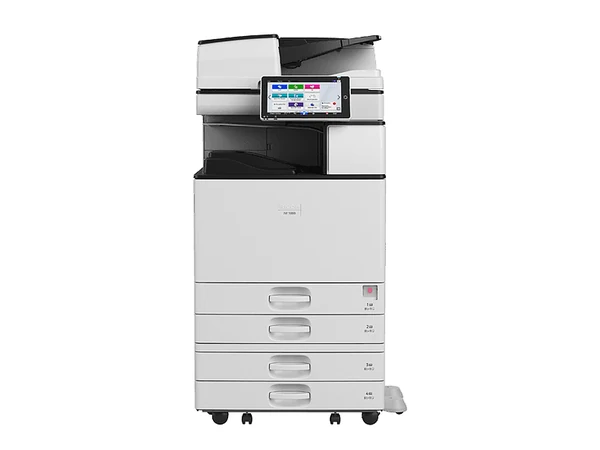
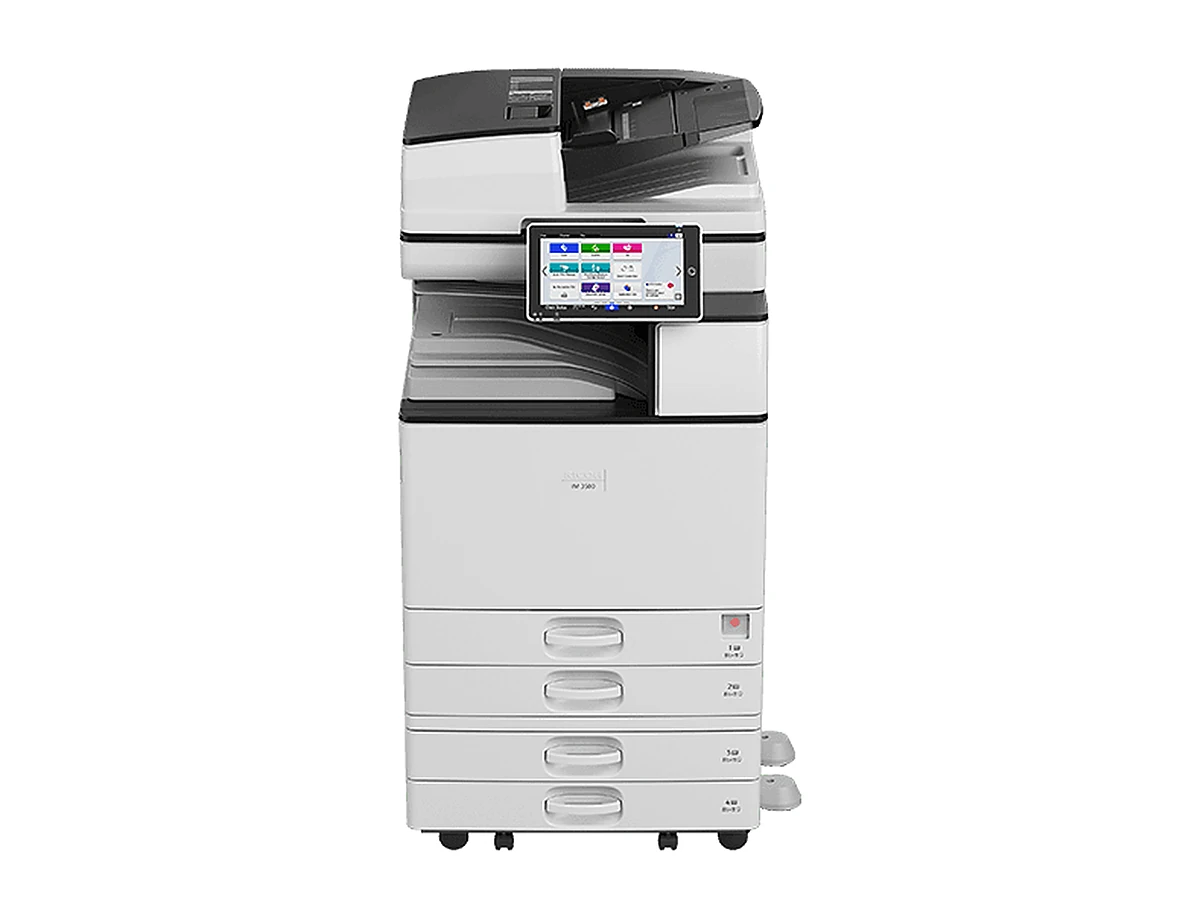
Ricoh IM 3500 photocopierPhotograph supplied by the maker

Model overview

The IM 3500 runs at 35 pages a minute in Ricoh's IM 2500 to 6000 range. The rest of the series runs as follows: the IM 2500 at 25, the IM 3000 at 30, the IM 4000 at 40, the IM 5000 at 50 and the IM 6000 at 60 pages a minute. By the maker's figures, it handles double sided originals in a single pass at speeds up to 120 images a minute, takes 1,200 sheets as supplied and 4,700 with paper options added and handles card as heavy as 300 gsm.
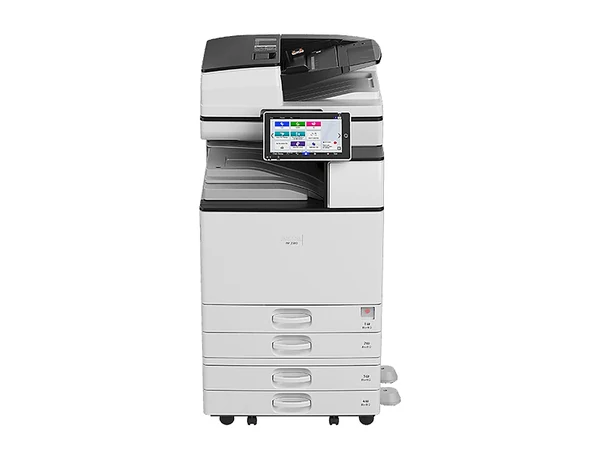
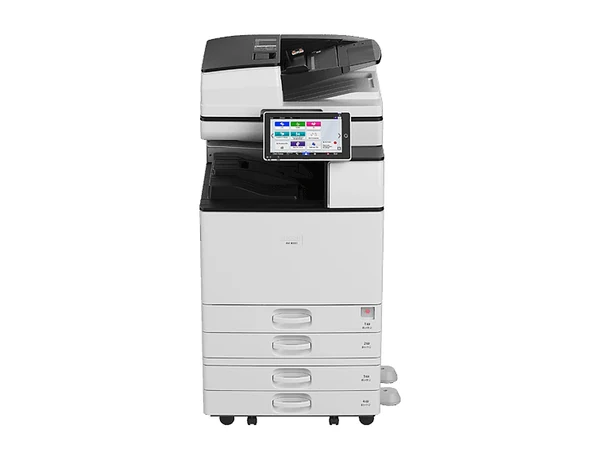
35 pages a minute, A3 black and white, renewed, refurbished or used.

Specifications

IM 3500: the key facts

Taken from the maker's published specifications. Every machine is checked, and you get its page count before you decide.

Paper sizes
A3 and A4
Print speed
35 pages a minute on A4
Scan speed
Up to 120 images a minute through a single pass duplex feeder
Paper held
1,200 sheets standard, 4,700 at most
Heaviest paper
300 gsm
Fax
Optional extra
Finishing
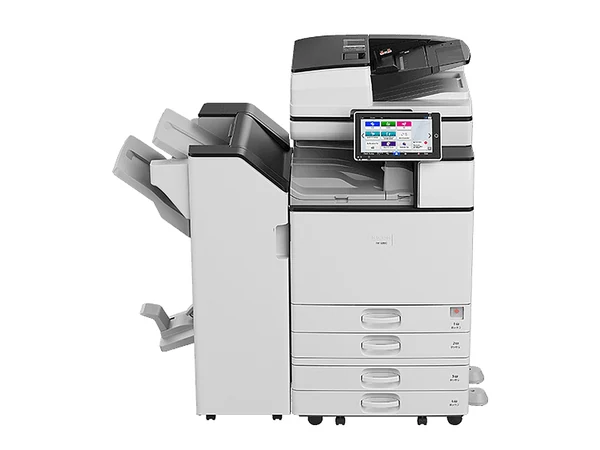
Optional 500 sheet internal finisher, 1,000 sheet hybrid finisher, 1,000 sheet booklet finisher, multi folding unit
Size (W x D x H) and weight
587 x 673 x 963 mm, around 76.5 kg
Payment
Outright, rental or lease

Is it right for your office?

Think of it for a group of roughly five to fifteen people. Need more pace? Look at the IM 4000: 40 pages a minute. For a lighter load, the IM 3000 runs at 30.

Buying one secondhand

Renewed, refurbished or used: pick the grade that suits your budget. Every IM 3500 we sell is checked first, and you get the page count in writing. Rental or lease terms run as long as 60 months, with the machine's age setting the limit, or you can pay outright. Delivery, network installation, scanning setup and a walk through for your staff come with it, anywhere in greater Melbourne.

Put it on a service agreement and our replacement warranty runs for the full term: a machine that fails is replaced. On selected machines, rental is from $15 a week plus GST, with finance subject to approval.

Before you choose a secondhand one

  • Pages printed so far. The count comes to you in writing. It says more about wear than the year on the badge.
  • Options fitted. A finisher, more drawers or a high capacity tray change the work it can take on, and the figure you pay.
  • Service after the sale. Secondhand only pays off while someone keeps it running. We do not sell a machine we cannot service.
  • Cost per page. Get the mono and colour rates in writing, with what each one covers.
Prefer the phone?Compare your options with a copier specialist.Monday to Friday, 8am to 5pm
(03) 7056 9994Get a quote
Ricoh IM 3500 enquiry

Ask about this model, or how your office prints

Say what the machine must do, or name a model. You get two or three that fit, each with figures in writing. No obligation.

Rather speak to someone? Ring (03) 7056 9994, Monday to Friday, 8am to 5pm.

Interested in the Ricoh IM 3500?

Say what you need. A written reply covers availability, the page count and the figures. Every enquiry is answered the same business day.

Asking about: Ricoh IM 3500

You can also ring (03) 7056 9994. Your details are never sold. Privacy.

Replacement warranty

Machine fails? It gets replaced. Right to the end of the term.

Put any machine on our service agreement and the replacement warranty comes with it. New or secondhand, and whether you rent, lease, finance or buy outright, the rule is the same: should the machine fail, you get a replacement. The cover runs to the final day of the agreement, not the end of year one.

On a new copier the maker's own warranty is usually 12 months, on the hardware only; consumables sit outside it. Beyond that year, your cover is the service agreement. Your agreement sets out the full terms of the replacement warranty.

Questions

Before you choose the Ricoh IM 3500

How worn is a secondhand IM 3500?

That depends on the unit. Its page count comes to you in writing first, because that says more about wear than its age does.

Should I choose the IM 3500 or the IM 4000?

They sit in the same series. The IM 3500 runs at 35 pages a minute and the IM 4000 at 40. Match the speed to the number of people printing.

Can the IM 3500 be rented?

It can. Rental is from $15 a week plus GST for selected machines, subject to approval. Rental is not hire: it is a business agreement with one regular payment. Name the model and we send the figures in writing.

Copier Store

Still comparing? Ask which one fits.

Honest answers on models, grades, agreements and running costs. Monday to Friday, 8am to 5pm. Every enquiry is answered the same business day.

(03) 7056 9994 Get a quote